How to edit / delete / add a menu item below an existing item
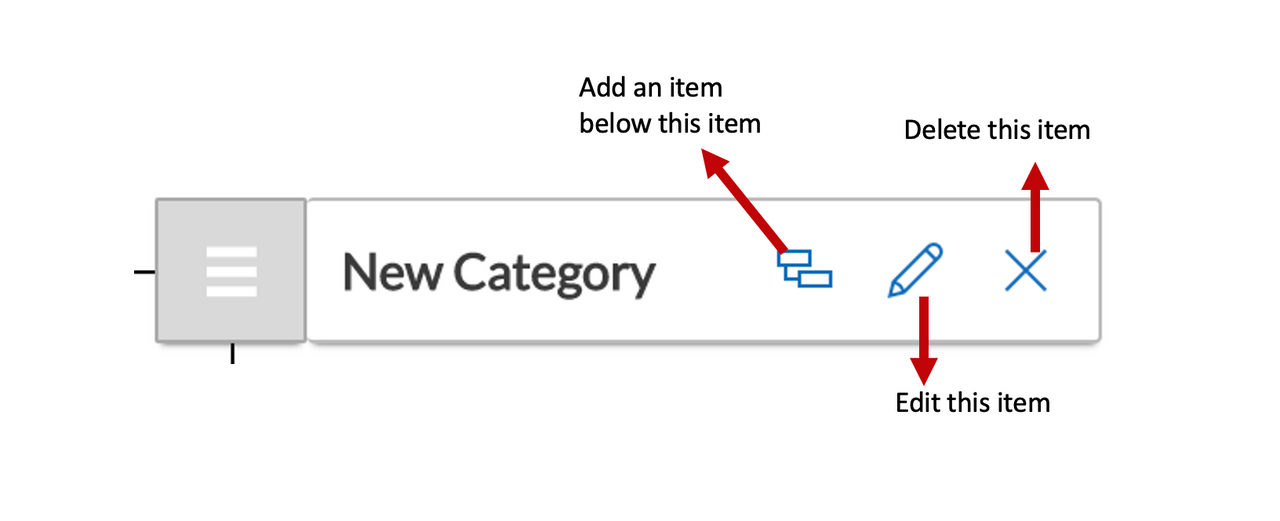
Each menu item created in has three options.
Create a child item below an existing menu item
To create a new item below an existing item, you can click on the nested icon.
- As you create a new item below an existing item, you can configure what action should be triggered upon the click of it. For example - you an configure to open a hyperlink in a new window upon click of the item
Edit an existing menu item properties
To edit the properties of a saved item, click on the pencil icon
Delete an existing menu item
To delete an item, hit the cross icon.
Click on the save button once all the changes are done.
Your changes will be visible on the related menu.